Physical Design and Embedded UI
Poly (Plantronics + Polycom) offers a multitude of communication and collaboration solutions. Hardware is a key component of Poly’s ecosystem. Our team is responsible for the physical and embedded hardware UI, Human Factors/ergonomics and the research that both informs and evaluates all Poly products. I also occasionally lead Industrial Design efforts, working in concert with our ID team.
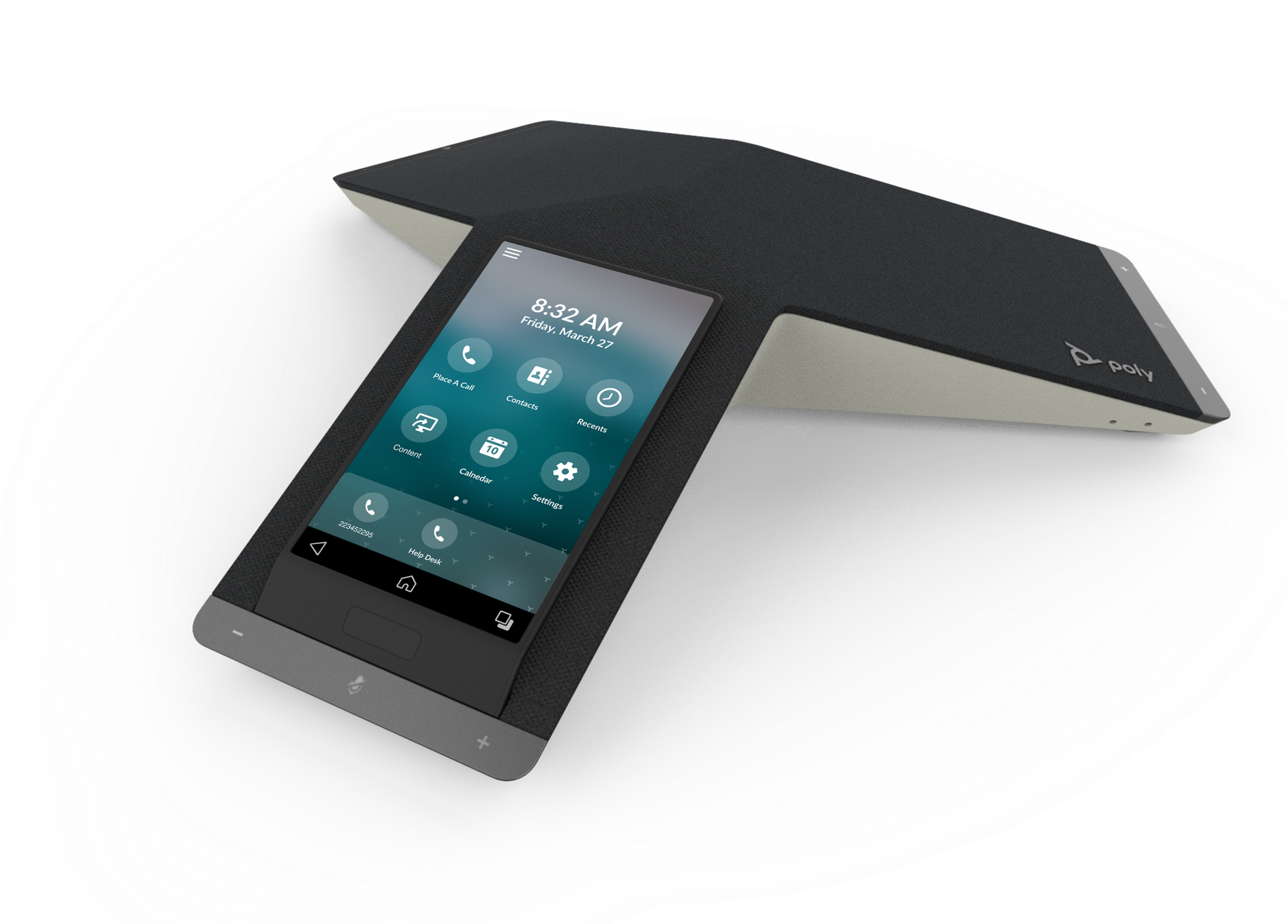
Poly Trio C60
Poly’s newest speakerphone ensures that anyone walking into a conference room or huddle space can easily jump on an audio call or video conference, thanks to the simplicity of one-touch joining. Poly’s signature audio ensures that everyone can be heard by the far end…it really is that good. Expansion microphones deliver authentic audio for even large conference rooms.
Objective
Improve ease of use and create a more inviting overall product experience. Speakerphones can be intimidating - they’re usually not personal devices, so the user doesn’t always know how to engage with them. Making the end user feel more comfortable interacting with Trio, and making it easy to use, were our design team’s primary goals.
Process/Solution
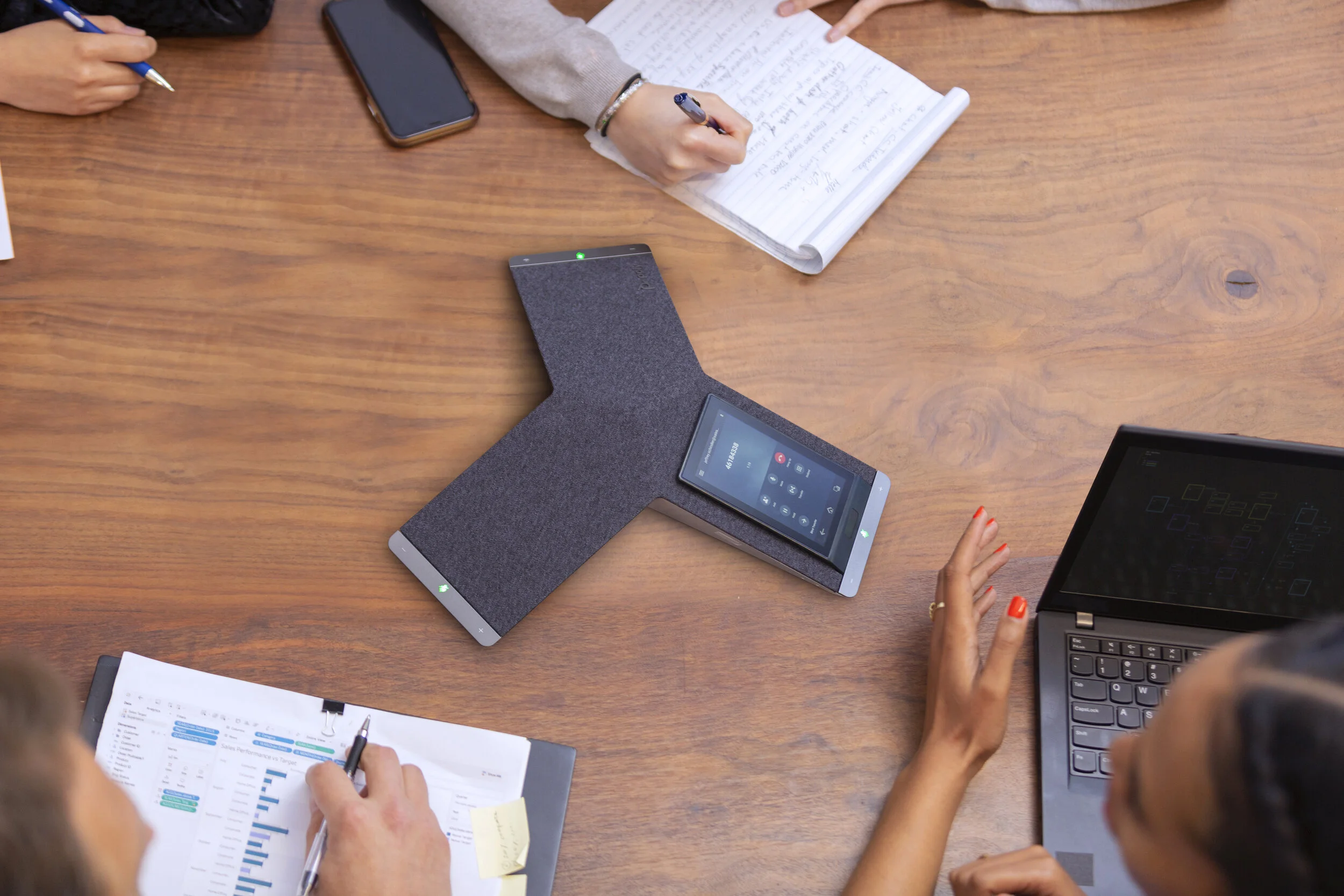
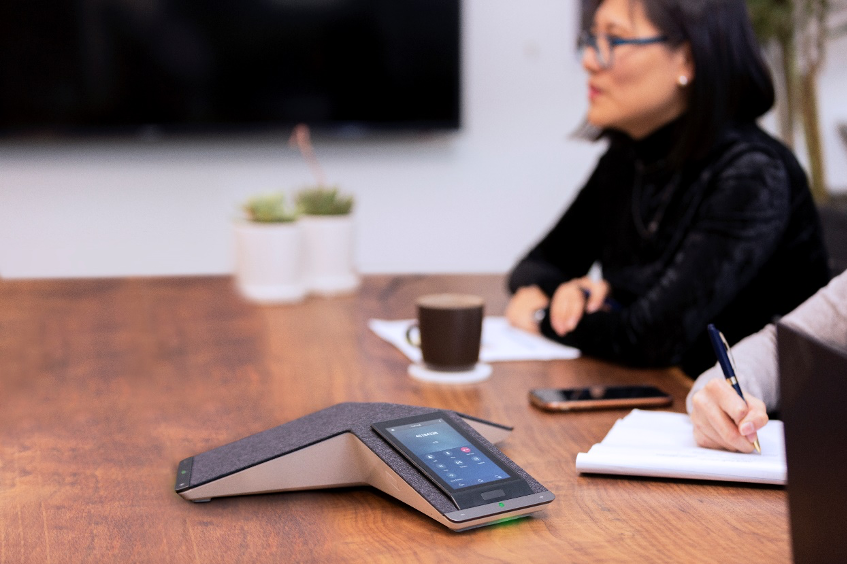
Our Industrial Design team created softer forms, incorporated textiles, and utilized a softer color palette, making the product feel more familiar and thereby making is less intimidating. My team extended this philosophy of familiarity to the UI as well, borrowing colors and visuals from nature (biophilia), and surfacing key interactions, while allowing less frequently used features to be more contextual.
Result
The C60 launched in April, 2020…based on highly positive pre-launch previews, this product will make a significant impact, and reinforce the narrative that Poly is once again an industry leader.
My Team’s role: We were responsible for embedded UI/HMI design (Poly’s software is an Android-based cross-platform solution), device management platform design (Poly Lens), usability testing, ergonomic development and testing (installation and usage), and summative design validation research.
My role: Creative Direction / Team Leadership
Poly Studio X30/X50 Video Conferencing Systems
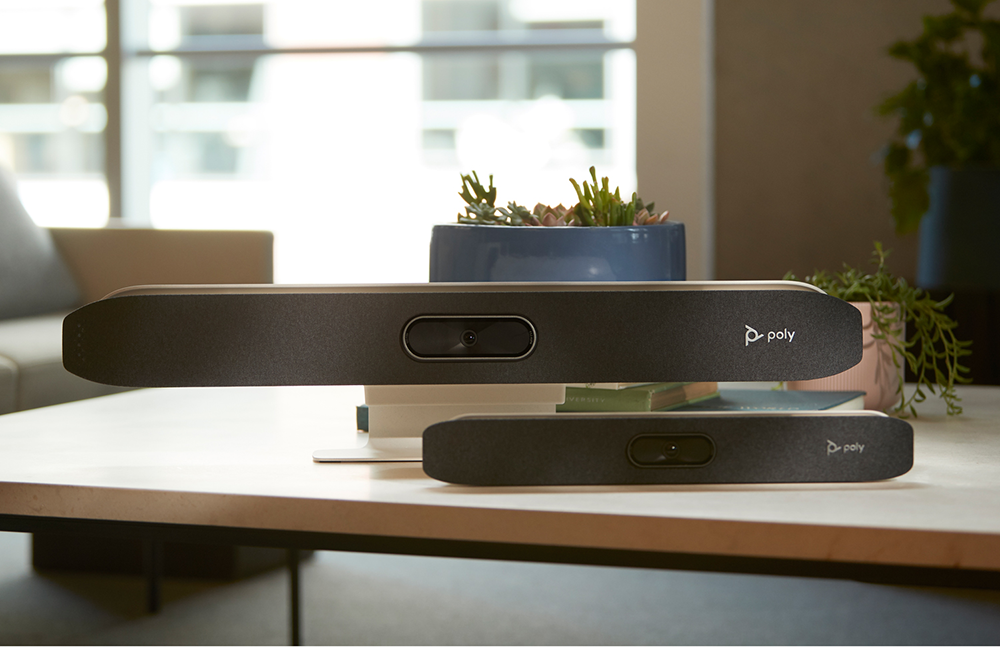
The Poly Studio X30 and X50 offer easy-to-install, and easy to use video conferencing options for every application, from SMBs to large enterprises; huddle spaces to large conference rooms. Both devices run Poly’s flexible embedded software, which supports a number of conferencing partners including Microsoft Teams and Zoom.
Flexibility of Installation and Configuration
The X-series camera/soundbar can be mounted above or below a television/monitor, and can be paired with a Poly TC8 room controller. Both models of the X-series provide a full on-screen touch interface experience, or can be controlled via a wireless remote.
Poly X50 and TC8 Room Controller
Poly X50 Installation
The TC8 room controller provides all of the features of the X-series within arm’s reach of the user. Like the X-series, the TC8 runs Poly’s embedded software which supports a multitude of partner applications (Teams, Zoom, etc.).
This rendering shows the startup screen for both the X30 and X50. One of the design tenets for the Poly UI is the use of cinematic imagery. The LED indicator array, or “light cove”, shows the user where the camera is focused, while communicating mute status, call state and more.
Objective
Creative a cohesive experience across multiple conferencing providers, on one device. Because Poly’s embedded software supports a number of partners, including Zoom, Microsoft Teams and others (including Poly’s own conferencing system), the biggest challenge for our team was to deliver a holistic experience, even when Poly doesn’t control 100% of the UI. Another challenge was to streamline the onboarding and installation process.
Process/Solution
The balance between supporting our partners, and providing our own experiential elements, was a delicate balance. Today, each conferencing partner has their own “space” within the X30/X50 UI. Poly’s own conferencing service delivers an entirely Poly-branded experience, and includes audio and video, as well as a collaborative blackboard (below). To solve for onboarding and installation, we created a number of new experiences designed to allow the installer/I.T. professional to use her/his tool of choice (PC, smartphone, etc.) to onboard the device. This was achieved by presenting the installer with a QR code, linking them to Poly’s device management platform, Poly Lens.
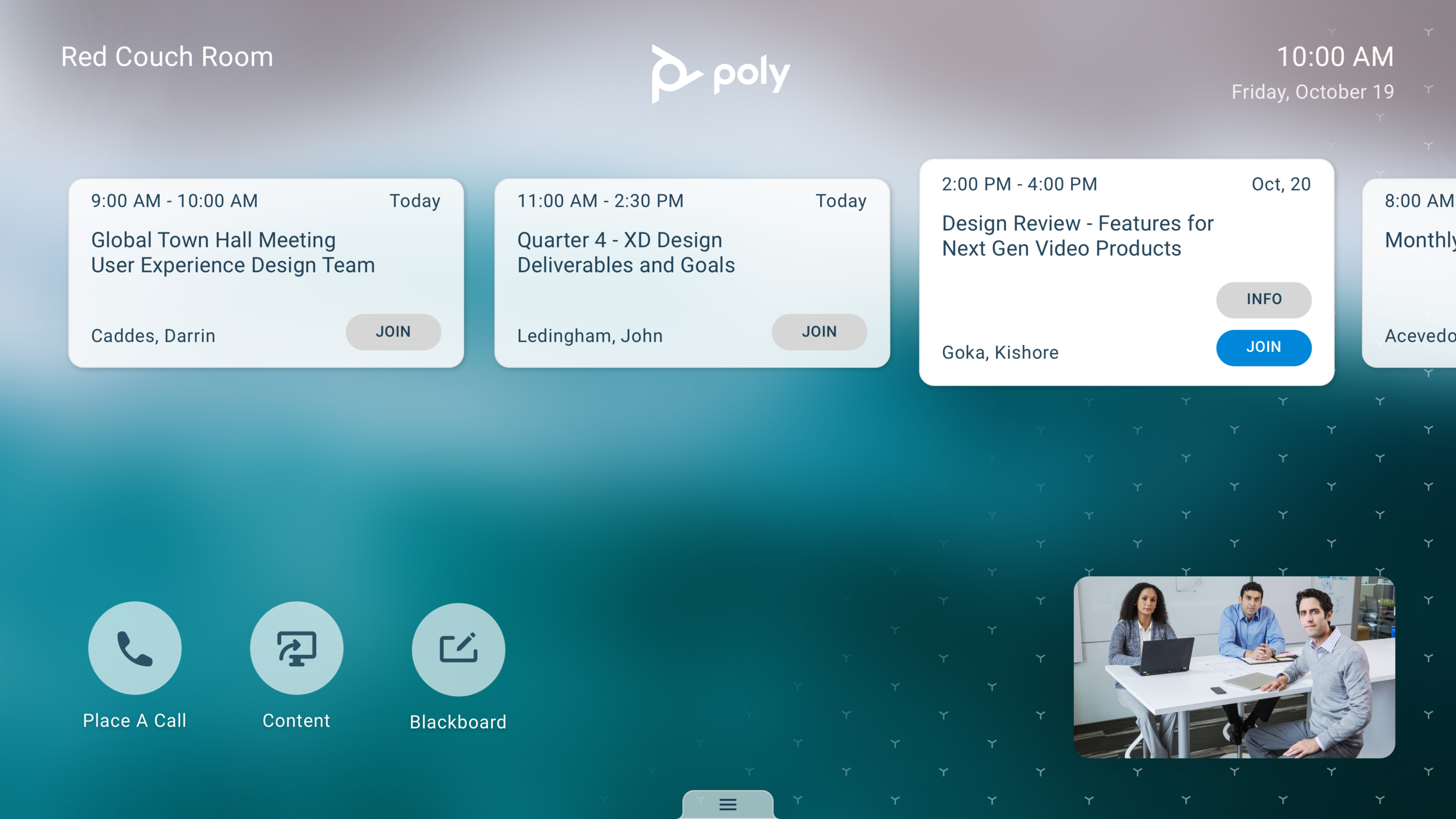
Home screen with calendar and camera self-view
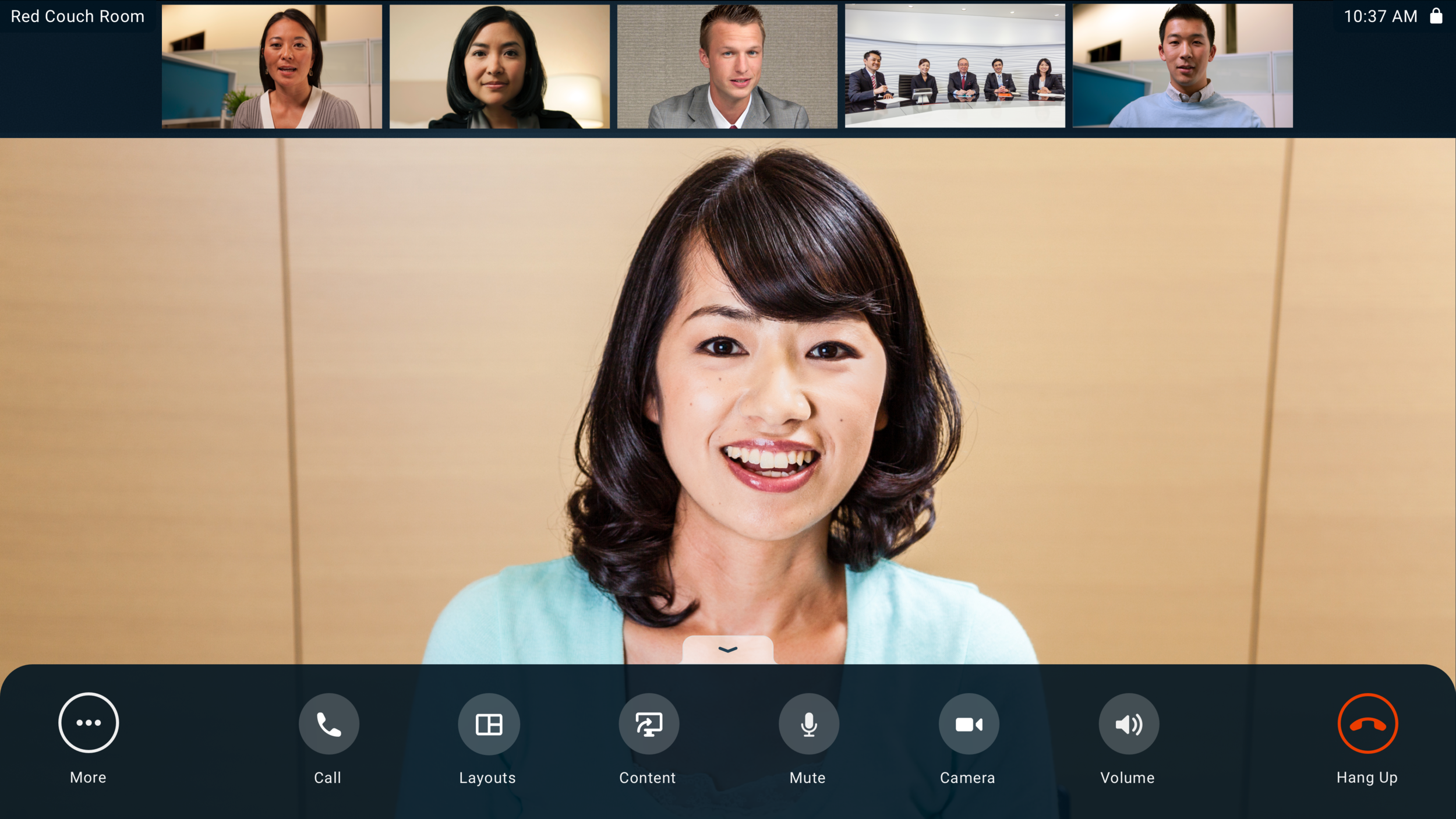
Video conference with Quick Access Menu
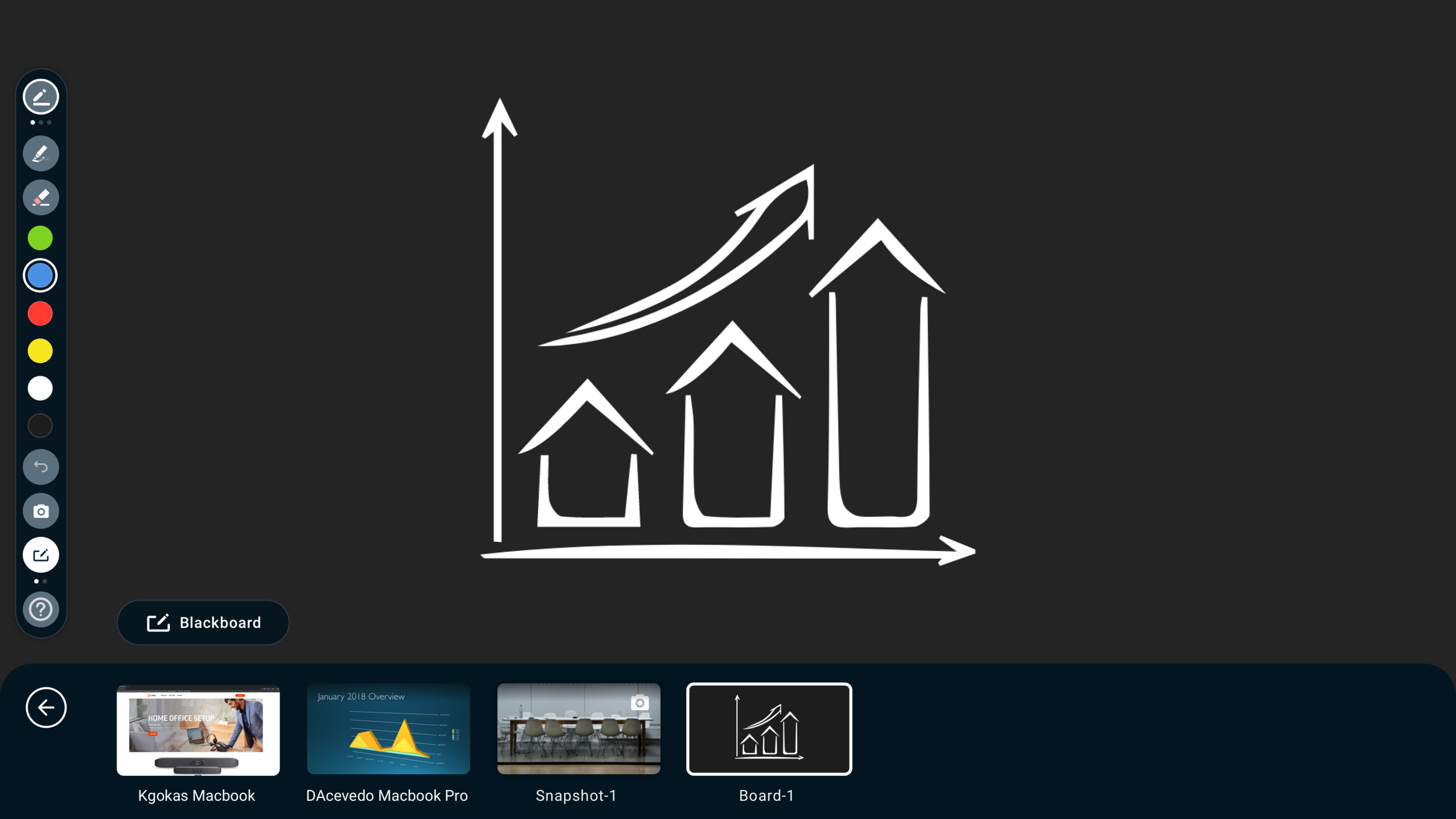
Interactive collaboration blackboard
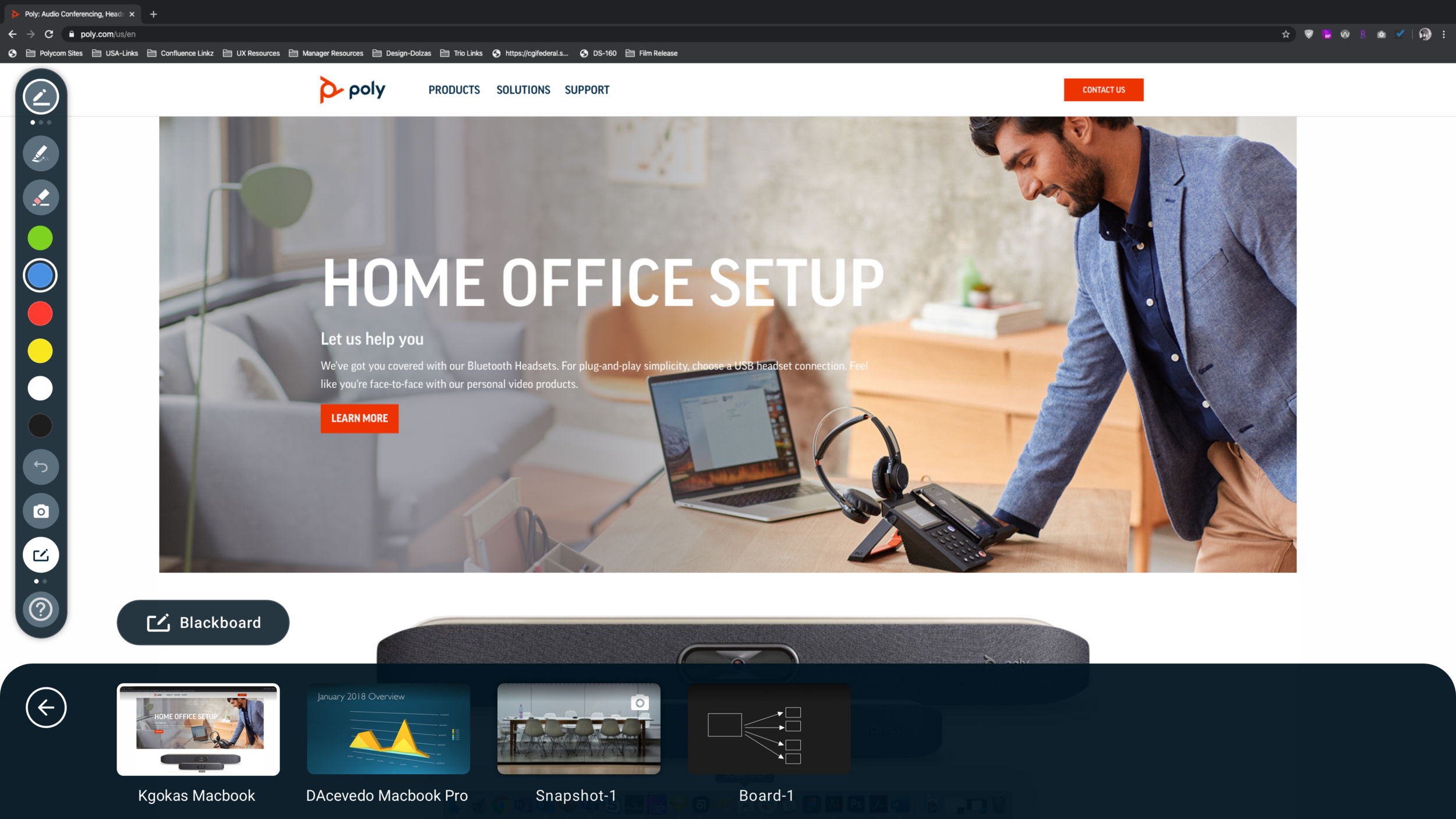
Content sharing from PC or mobile
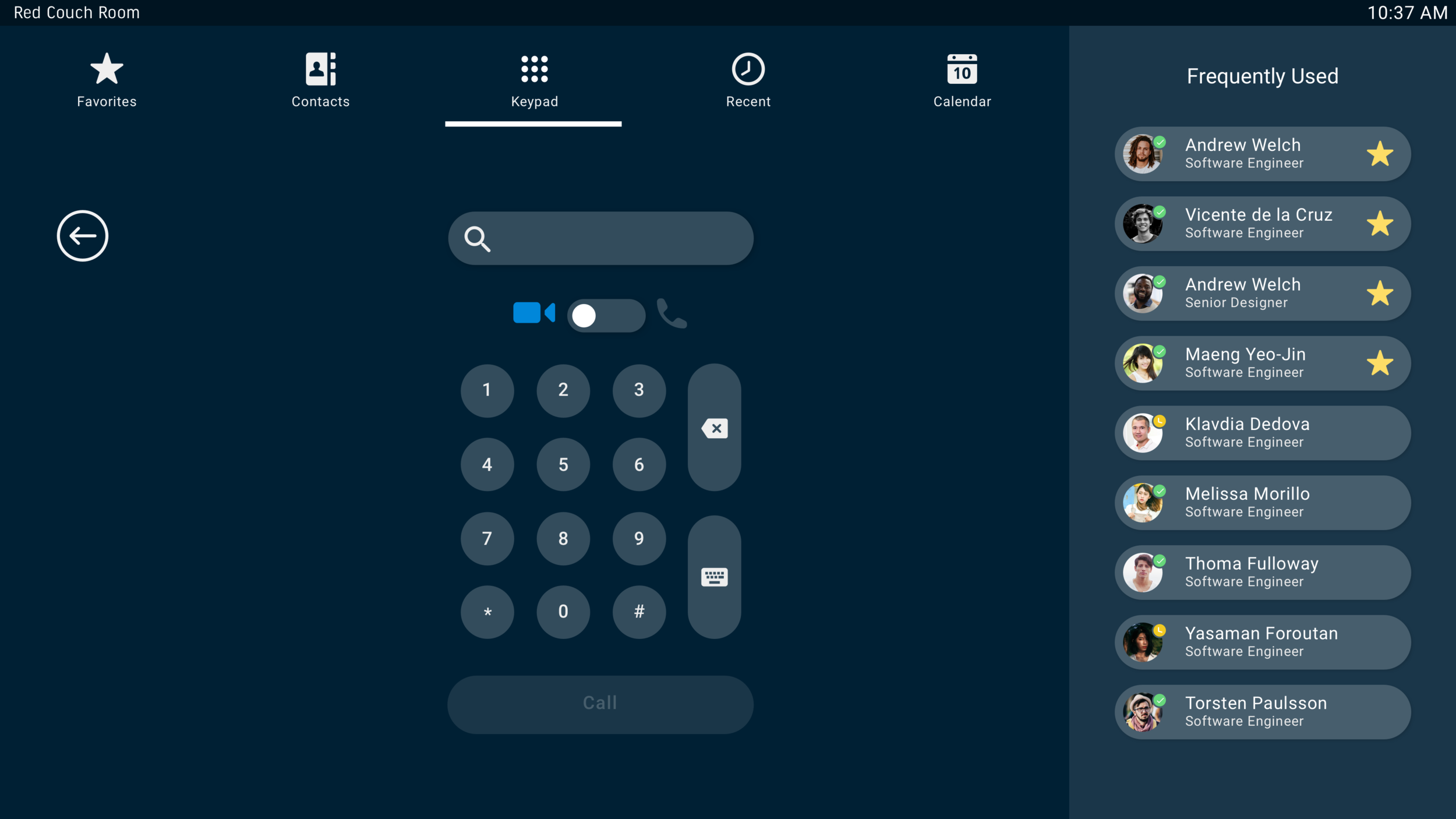
Place a call screen with favorites and recents
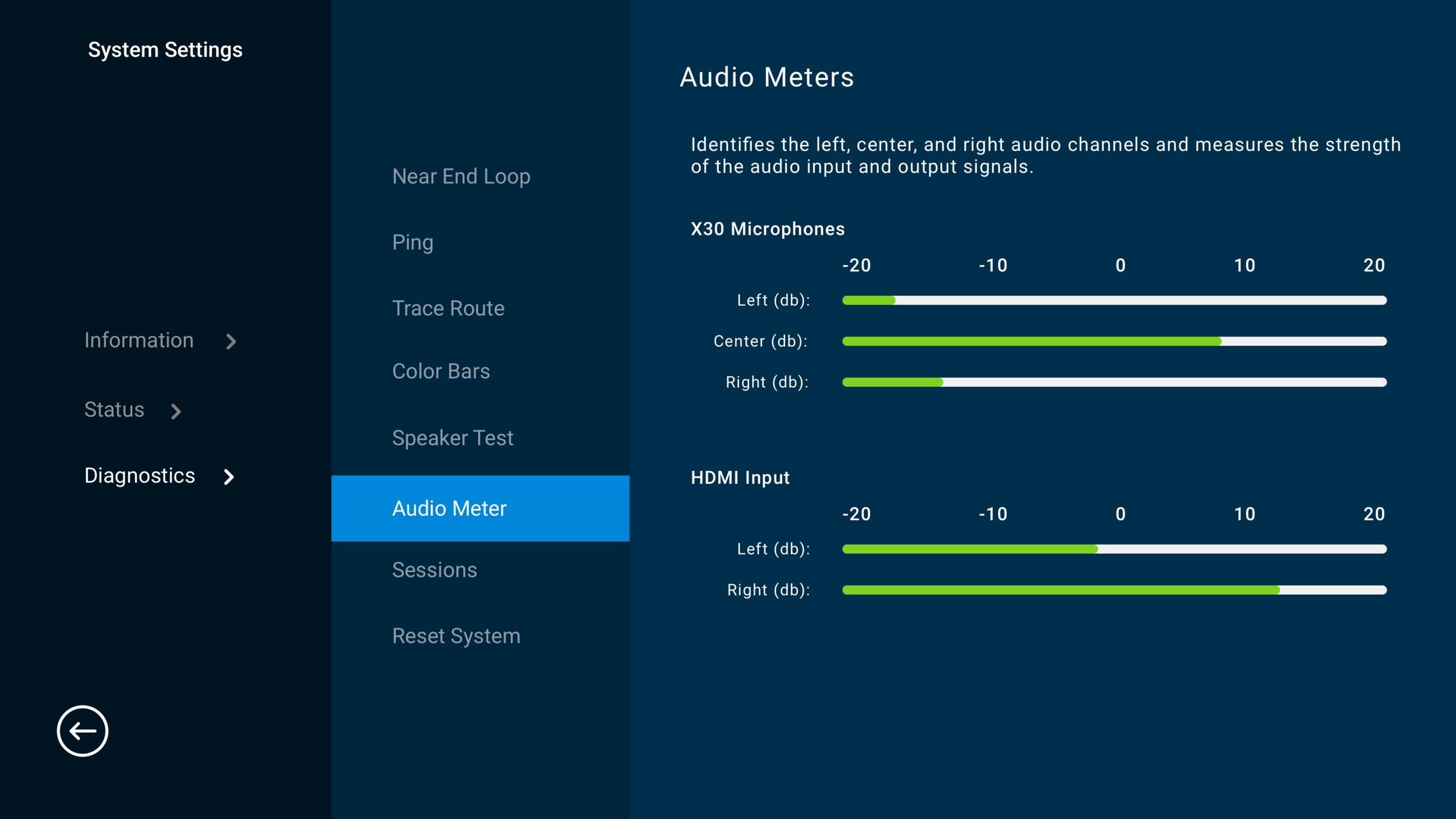
settings
Result
Shortly after the launch of the X-series products, Ed Ellett penned an article for Forbes entitled: “Poly: The Comeback "Mojo" Is Building”. This sums up the industry’s response to Poly’s first major new product launch after Plantronics’ acquisition of Polycom.
My team’s role: We were responsible for embedded UI/HMI design (Poly’s software is an Android-based cross-platform solution), device management platform design (Poly Lens), usability testing, ergonomic development and testing (installation and usage), and summative design validation research.
My role: Creative Direction / Team Leadership
Elara 60 Smartphone Dock
Elara is a Microsoft Teams-enabled device which bridges the gap between the smartphone and the desk phone by providing a dial-pad, handset, speakerphone and headset for the smartphone user, with the added benefit of wireless Qi charging. Elara also connects to the Microsoft Teams app, and displays alerts and reminders, while providing the user with quick access to Cortana.
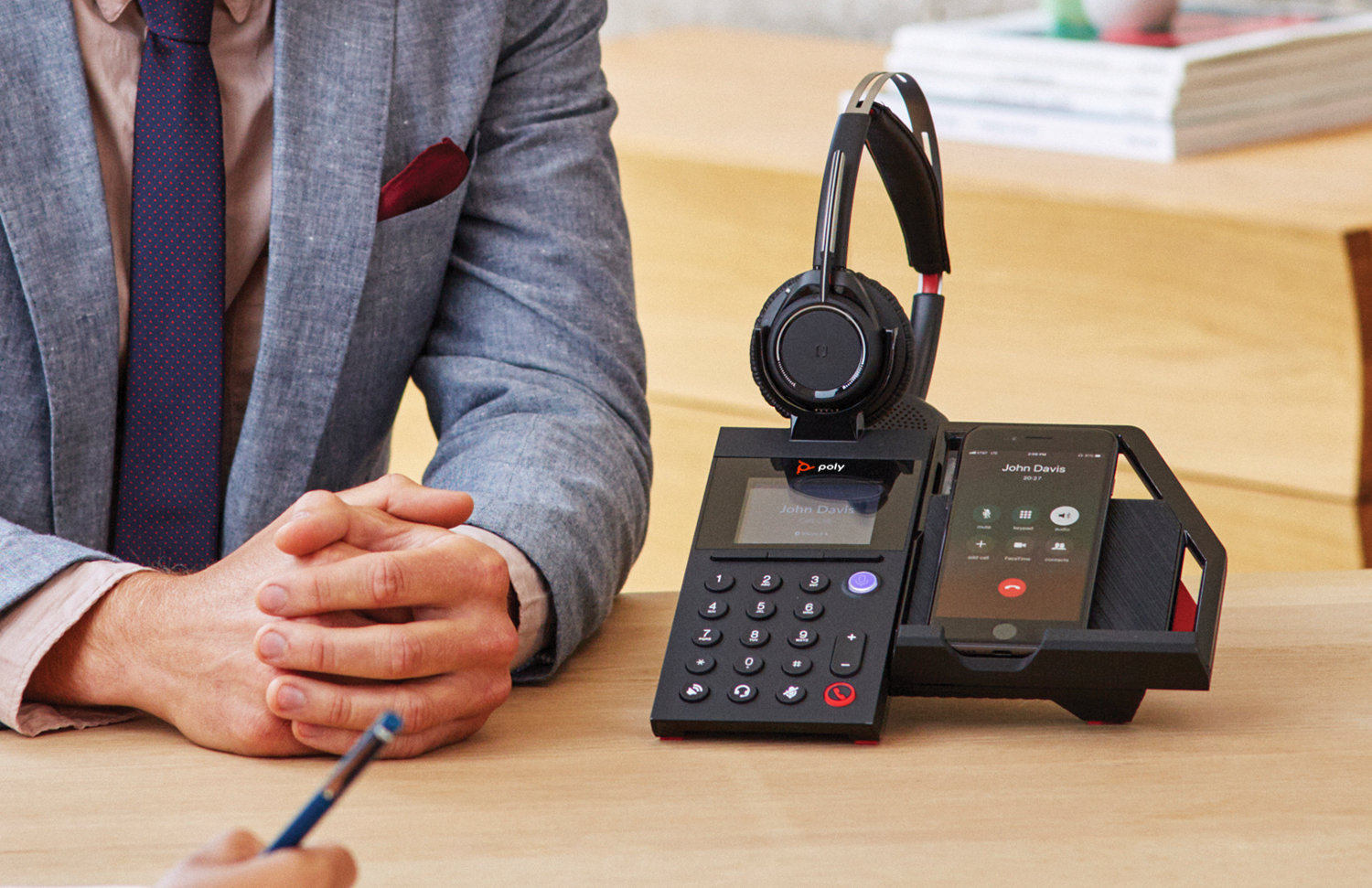
Designed for Audio, Video and Content Viewing
Elara’s wireless Qi charger supports both landscape and portrait orientations. The smartphone cradle adjusts for the optimal viewing angle for telephony, video conferencing and media/content viewing - this also helps to mitigate glare in nearly all ambient light environments.
Objective
Bridge the gap between the desk phone and the smartphone. In the enterprise, there tend to be two broad categories of telephony users: Desk phone users who don’t want to give up their traditional handset and dial-pad (even though they likely also have a smartphone), and mobile-first users who only use a smart phone, and may have never touched a desk phone. Poly saw an opportunity to create a product to help users make the transition from desk phone to smart phone. Our team was tasked with understanding user behavior, for both categories of knowledge workers, and developing a range of products to solve for their needs.
Process/Solution
The Elara program was initiated and funded as an innovation effort; our design team was part of a small cross-functional team with the mandate to move fast and avoid any potential internal process roadblocks. I managed the program with a small subset of our PLT Design team (ID, UX, HF and Research), and acted as the liaison with Microsoft, while working with our OEM supplier on the ground in China.
Elara supports a range of headset styles and models. Headsets tend to be a very personal choice, so ensuring that an Elara user can find a headset that she/he is comfortable with was key.
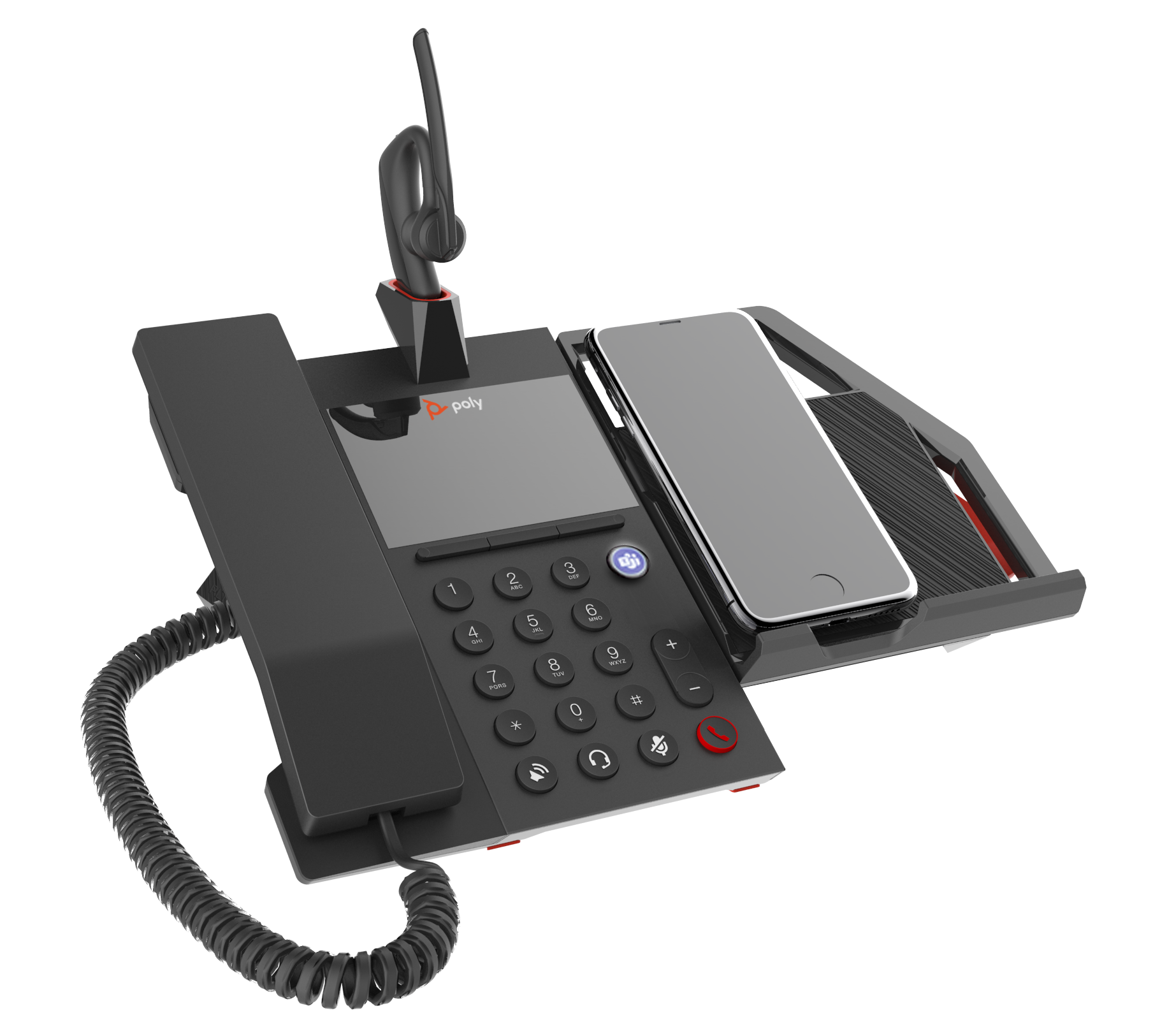
Elara with Poly Voyager 5200 headset
Companion App
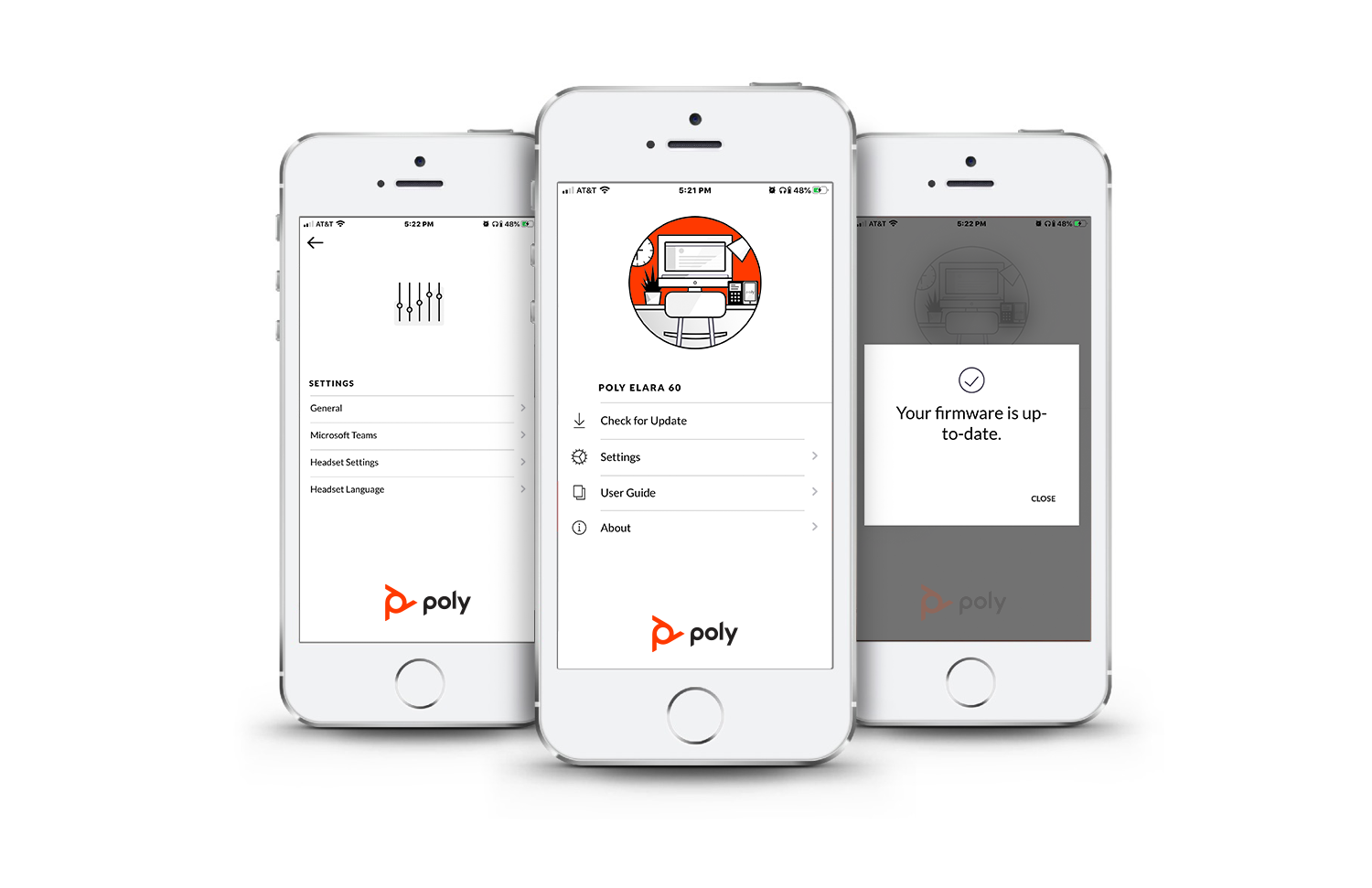
In addition to the embedded UI, our UX team designed a small, lightweight companion app which allows the user to update device firmware, and adjust settings and preferences for both the base and headset. Our research clearly showed that users didn’t want to be forced to learn yet another interface - so we deferred to the app UI wherever possible; limiting the device UI to more frequently used settings.
Result
Given the nature of our small skunkworks team, we were able to move from initial concept to highly-functional prototype in about four months. Only a few months later, Elara launched at Microsoft Ignite and made a significant splash. The reaction from our customers was immediate - they saw this product as a real game-changer, and a means to migrate their respective workforces from desk phones to mobile…Microsoft Teams being one of the most intriguing components of the solution. My only regret: Elara was completed just prior to the development of Poly’s new design language, so the hardware and software don’t align with the latest portfolio of products.
My team’s role: We were responsible for Industrial Design (early concept direction, not execution), embedded UI/HMI design, mobile app design, usability testing, ergonomic development and testing, and summative design validation research.
My role: Creative Direction / Team Leadership
Calisto 800 Smart Speakerphone
Calisto is a communication hub designed for remote and home-based knowledge workers - connecting the user’s PC, desk phone and smartphone, all in one device. It provides a high-quality speakerphone, a wireless lapel microphone, connection to a headset and a robust UI for advanced call control (managing and mixing multiple calls across devices).
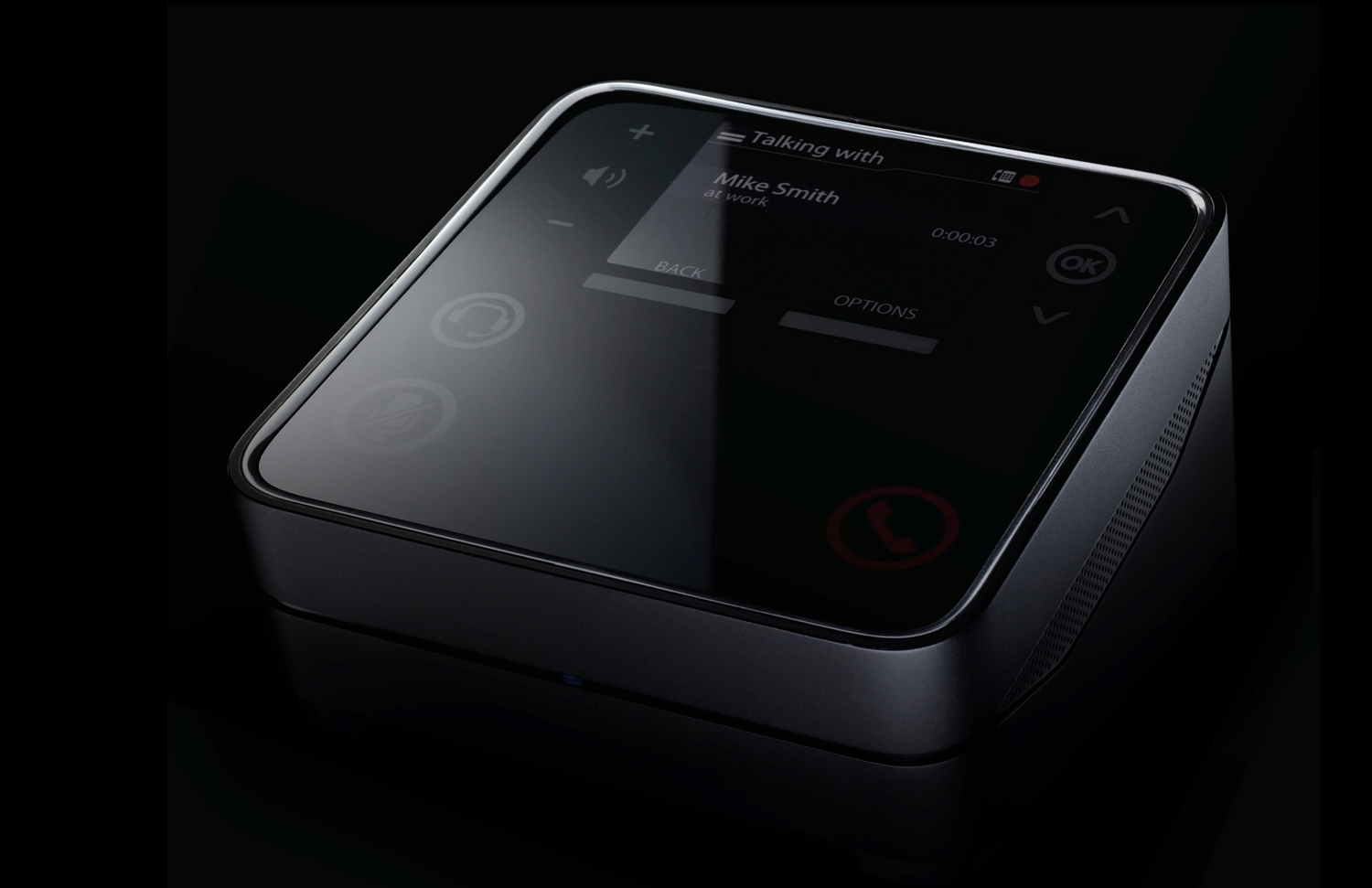
Calisto 800 Smart Speakerphone
Objective
Create a product for remote and home-based knowledge workers (an untapped market), that consolidates their communication devices (PC, desk phone and smartphone) into one singular user interface. Making the user sound professional in all circumstances was a key tenet.
Process/Solution
Armed with anecdotal data that remote workers were facing a significant challenge: Too many disparate modes of communication, we conducted formative research to understand exactly what our users needed, and how we could improve their productivity and overall experience. Once we validated the core need - consolidation of their communication devices while making them sound professional - we set about developing a portfolio of products. The solution required our team to design the hardware and embedded software, to prototype, test and ultimately validate the concept before taking it to market. For more detail around the design/development process, please review the Calisto case study.
The Calisto 800, connects to a PC, desk phone and mobile phone, providing the user with a singular UI solution. This solves the user’s number one paint point: Too many user interfaces to manage simultaneously.
The Bluetooth wireless lapel microphone allows the user to "roam" within her/his environment, ensuring that they always sound perfectly clear and professional on the other end of the call.
Plantronics also offers an accessory version of the wireless lapel microphone with a case, for travel and/or additional systems.
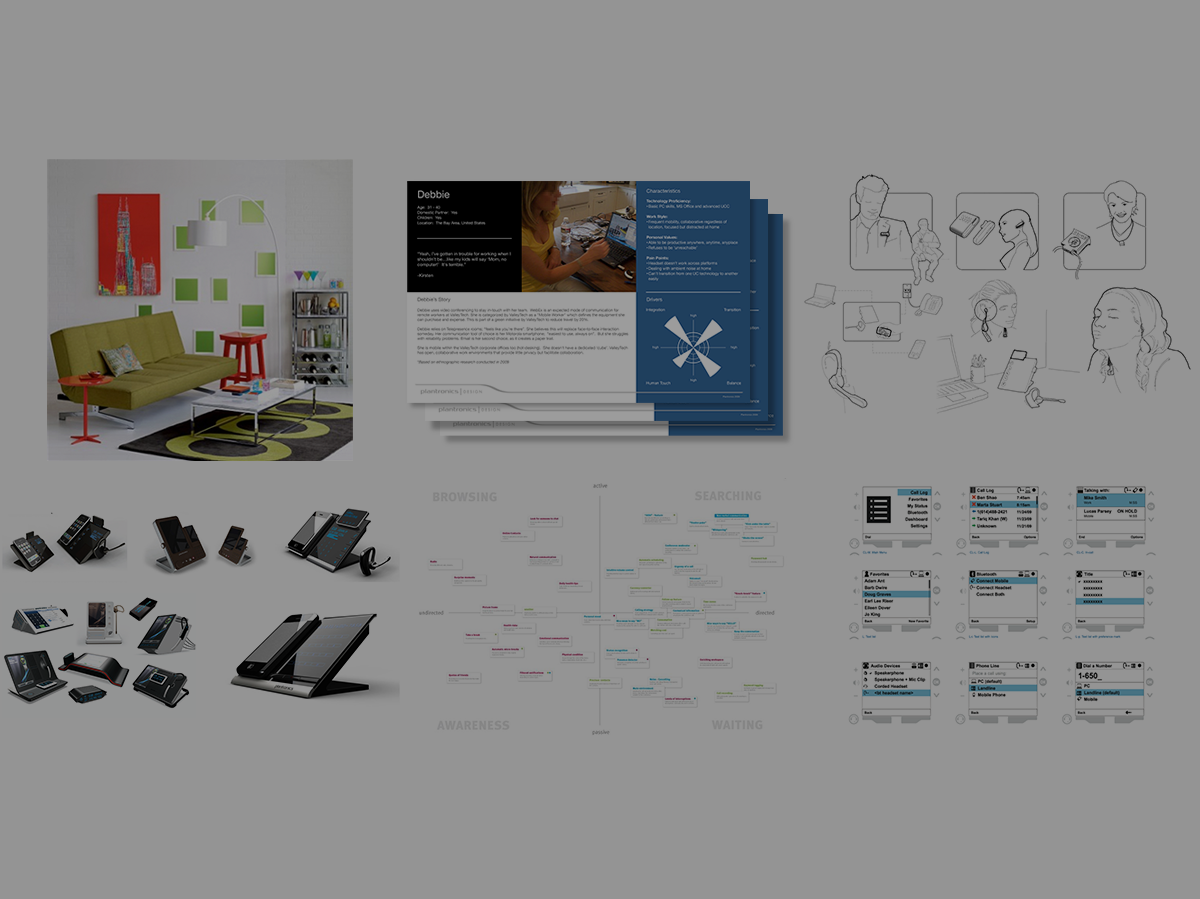
Calisto Case Study
Click for a deep dive on the design process…
Result
Calisto was a radical program for Plantronics, at the time. Our small cross-functional team faced a number of hurdles, the biggest of which was the fact that we were operating outside the normal product development processes at Plantronics (intensionally) - like many innovation efforts, the corporate antibodies were quick to attack the overall notion of something so different. That said, when the product hit the market, it quickly became clear that investing in the remote/home-based workforce was a shrewd decision. Calisto became a halo product for the Home & Home Office bustiness unit and, while not an enormous sales success (due to it being outside of Plantronics’ normal enterprise sales channel), it paved the way for more products in the category. The innovation process used to bring Calisto to market has been institutionalized at Poly, and is now a common methodology for developing products outside the boundaries of the existing portfolio.
My team’s role: We were responsible for the up-front formative research (working with a consultant to identify the product opportunity and existing user behavior), Industrial Design, embedded UI/HMI design, usability testing, ergonomic development and testing, and summative design validation research.
My role: UX & Industrial Design Lead / Team Leadership
Plantronics RIG Gaming Mixer & Headset
The Plantronics RIG stereo mixer and headset system consolidates the gamer’s PC or console gaming system with her/his smartphone. This allows the user to switch and mix between the phone's music library (for a personal gaming soundtrack), telephony and/or SMS (for "backchannel” communications) and switch/mix between game sound and chat. The mixer also includes a 3-channel EQ, specifically tuned for gaming.
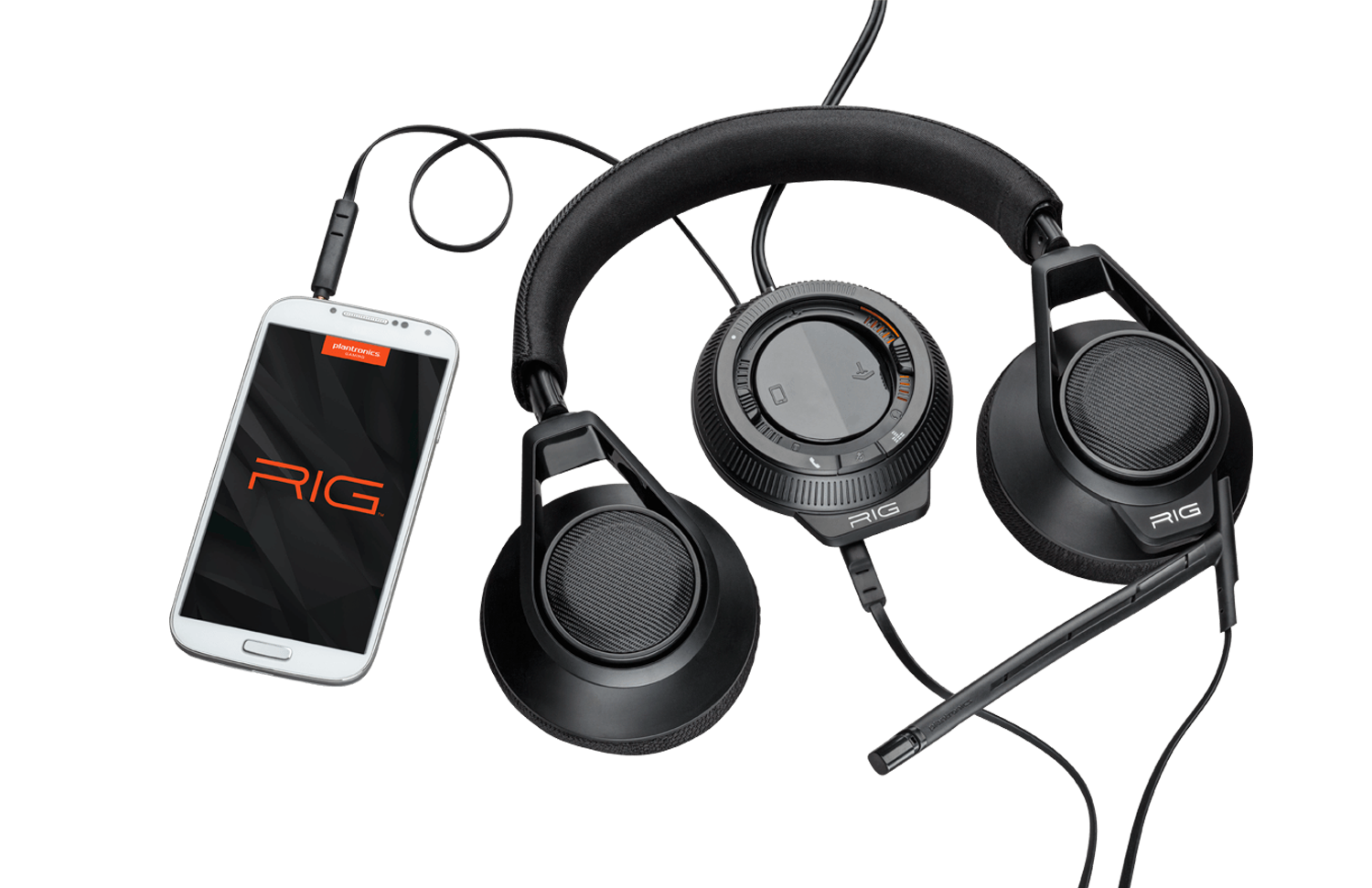
RIG mixer and headset with mobile phone
Objective
Incorporate the smartphone into the PC or console gaming experience in a substantive way. The gaming team at Plantronics was well aware of the fact that gamers keep their smartphones close-at-hand while gaming. The smartphone is used for backchannel communications (texting, chatting, voice calls, etc.), and also for a personal gaming soundtrack, from the user’s music library. Our team was charged with the goal of consolidating all of these experiences in one singular device.
Process/Solution
We started with contextual inquiry, conducting in-home visits with gamers in San Francisco and the Bay Area. While some of us on the team were gamers, we gained new insights into how and why people game…and we learned that there are many categories of gamers: Casual gamers, “snackers”, individual gamers, social gamers, hardcore gamers, and many more. We identified hardcore gamers as the category with the biggest need for the consolidation of their devices. We created a number of prototypes and evaluated them with our target users - we found that hardcore gamers not only have a high-tolerance for complexity, they actually thrive on it and love the process of discovery when onboarding new devices. We developed the new mixer and headset to satisfy the needs of the hardcore gamer, providing them with infinite control over their audio experience. We also developed a PC app to maintain the device (FW updates, advanced features, etc.).
The RIG mixer established a new paradigm by integrating the mobile phone into the console and PC gaming experience - it may look complex, but the UI is designed for hardcore gamers who truly embrace configurability.
RIG products are supported by the RIG application, available for PC gaming systems. The software provides firmware updates and user-configurable settings.
Because audio mixing can be complex, our team conducted multiple rounds of usability testing, ensuring that users could create appropriate mental models for successfully navigating the system.
Result
The RIG mixer and headset support Plantronics’ narrative that RIG products are designed by gamers for gamers. Insights from our early formative research directly influenced the requirements for the program, leading to an unmistakably authentic product solution.
My team’s role: We were responsible for the up-front formative research (working with a consultant to identify the product opportunity and existing user behavior), embedded UI/HMI design, PC app design, usability testing, and ergonomic development and testing.
My role: Creative Direction / Team Leadership
Plantronics Voyager Pro
The Voyager Pro is designed for users demanding the very best sound, comfort, fit and stability in a mono Bluetooth headset. Voyager Pro reimagines Plantronics’ previous design icon, the Voyager 510 - the headset that invented the category.
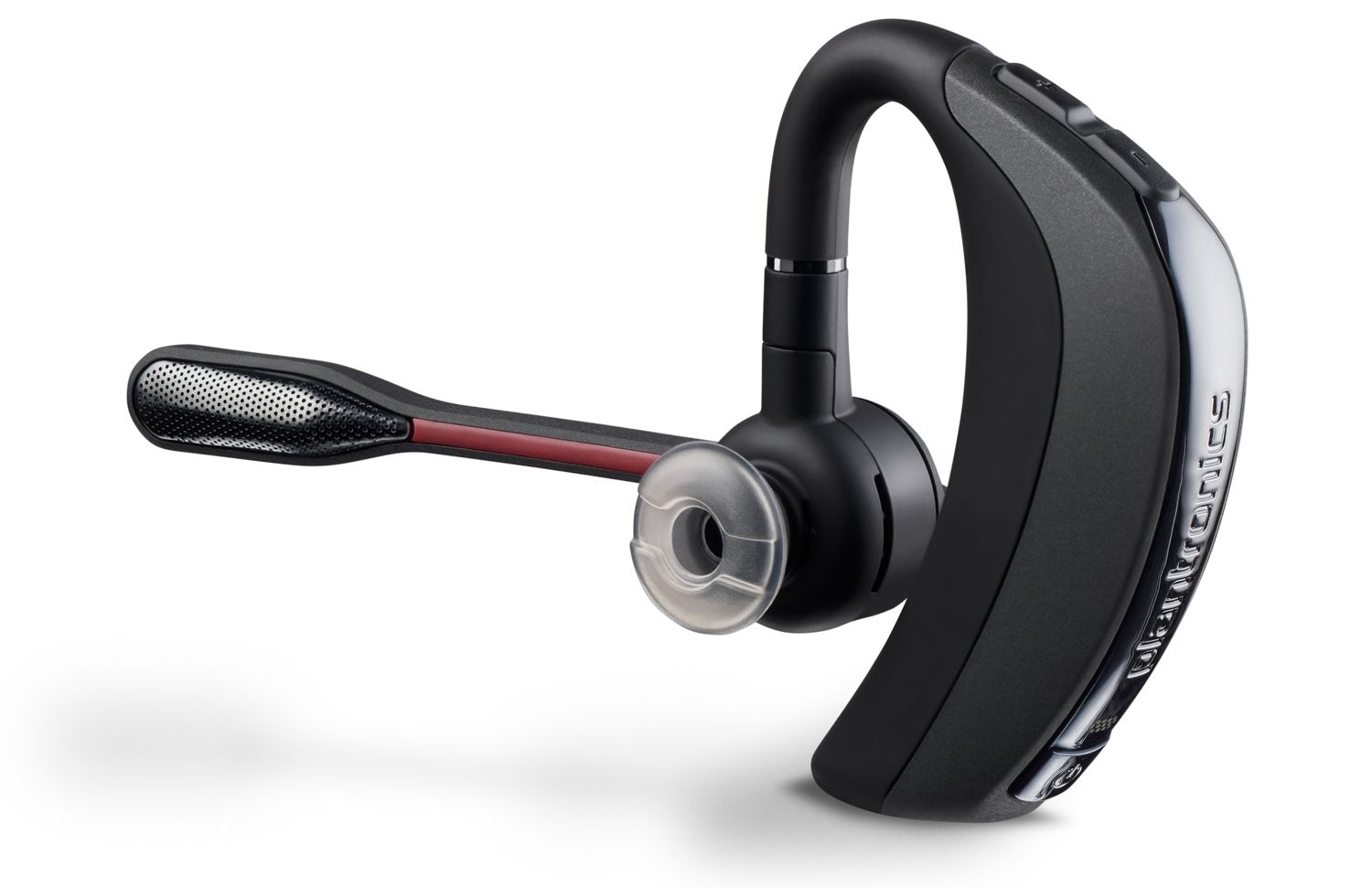
Objective
Reimagine the highly successful predecessor, the Voyager 510, without breaking anything. Key opportunity areas for improvement included an overall reduction in size, a more intuitive UI, better ergonomics and a more contemporary design. The primary driver for the redesign: Aliph, a small independent audio company, announced its Jawbone Bluetooth headset, designed by Yves Béhar. Not only was the Jawbone headset well designed and a great performer, it was positioned as a head-to-head competitor to Plantronics’ Voyager 510.
Process/Solution
Plantronics’ CEO at the time, Ken Kannappan, called the entire product design and development team together and gave us what could arguably be called a “moonshot” speech, an appropriate analogy given the fact that one of Plantronics’ first products was the MS50 headset used by the Apollo 11 crew during their journey to the moon (That’s one small step for [a] man…” was spoken through a Plantronics headset). Ken told us that we had just a few short months to redesign our flagship product, our design icon, in order to best the Jawbone headset in terms of performance, comfort, fit and design. We started by investigating the broad end of the funnel - should create something entirely different from the legacy Plantronics headset? After many rounds of ideation and prototyping, we decided that our ergonomic principles were sound, and we approached the new product as a redesign, rather than a completely new product. Due to the significance of the program, I was asked to lead the design effort myself (in addition to my role as Design Director).
Early sketches - John Ledingham + One & Co
Early sketch - John Ledingham, Plantronics Design
Early sketch - John Ledingham + Lifestyle Design
3D surfaces - John Ledingham, Plantronics Design
Result
The resulting product, the Voyager Pro, was an enormous success. It drew customers away from Jawbone - those who were most concerned with comfort, fit and audio performance (Voyager Pro was more advanced than the Jawbone in terms of Human Factors), and energized the Plantronics brand. The overall ergonomic properties that our team created for Voyager Pro live on in today’s Plantronics/Poly headsets. Jawbone went out of business in 2017…Poly continues to expand its Bluetooth portfolio. For a more detailed story about the development of the Voyager Pro, please read my article entitled: Reimagining an Icon
My team’s role: We were responsible for Industrial Design, embedded UI/HMI design, usability testing, ergonomic development and testing, and summative design validation research.
My role: UX & Industrial Design Lead / Team Leadership
Other Plantronics/Poly Products
I've worked on a wide variety of products at Plantronics/Poly. In some cases I've been the creative director and, in other cases, I've been the hands-on designer. The following represents a cross-section of "other" work that my team and I have completed during my tenure with Plantronics/Poly.
Calisto 6200 Speakerphone
This small, portable speakerphone, intended for travel, small huddle spaces and the desktop, delivers high-quality audio for the smartphone and PC, offering both a corded and Bluetooth connection. The biggest design challenge was squeezing an appropriate acoustic volume into a very small form-factor - ensuring that this relatively low-cost speakerphone packs a lot of performance into a very small package.
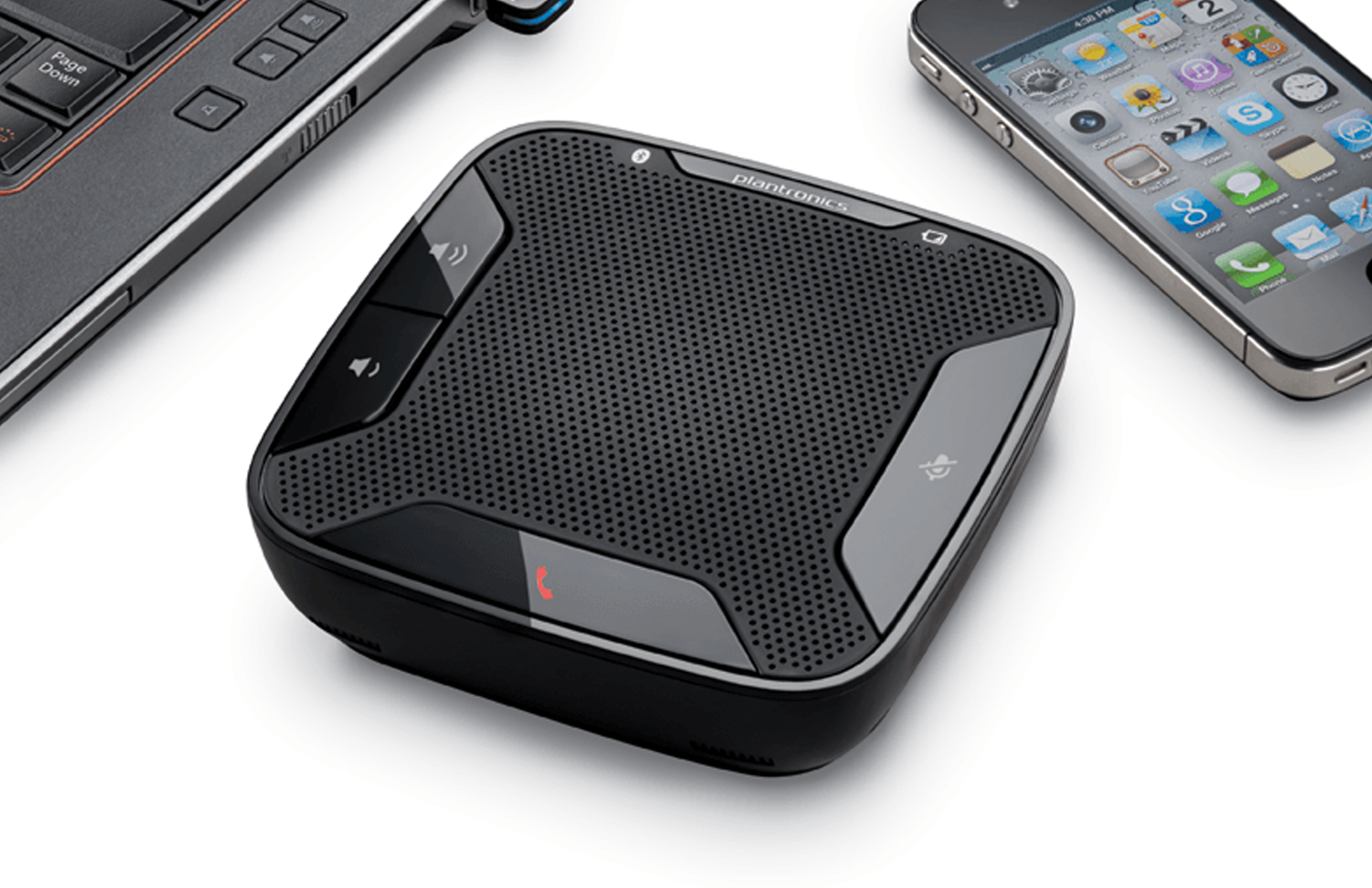
Early concept rendering - John Ledingham, Plantronics Design
Early concept rendering - John Ledingham, Plantronics Design
Control surfaces - John Ledingham, Plantronics Design
My team’s role: We were responsible for the up-front formative research (working with a consultant to identify the product opportunity and existing user behavior), Industrial Design, embedded UI/HMI design, usability testing, ergonomic development and testing, and summative design validation research.
My role: UX & Industrial Design Lead / Team Leadership
BackBeat PRO, BackBeat PRO 2 & Voyager 8200
These three headsets represent an evolution in terms of physical design, acoustic performance, UI/HMI and ergonomics. My team was responsible for the UI design and ergonomics of all three generations of this product family. The Voyager 8200, the latest incarnation of the platform, adds more microphones for better audio which allows it to be Microsoft Certified with Skype for Business (a very high bar).
BackBeat PRO
BackBeat PRO 2
Voyager 8200
My team’s role: We were responsible for embedded UI/HMI design, usability testing, ergonomic development and testing, and summative design validation research.
My role: Creative Direction / Team Leadership
Poly (Plantronics + Polycom) Audio Portfolio
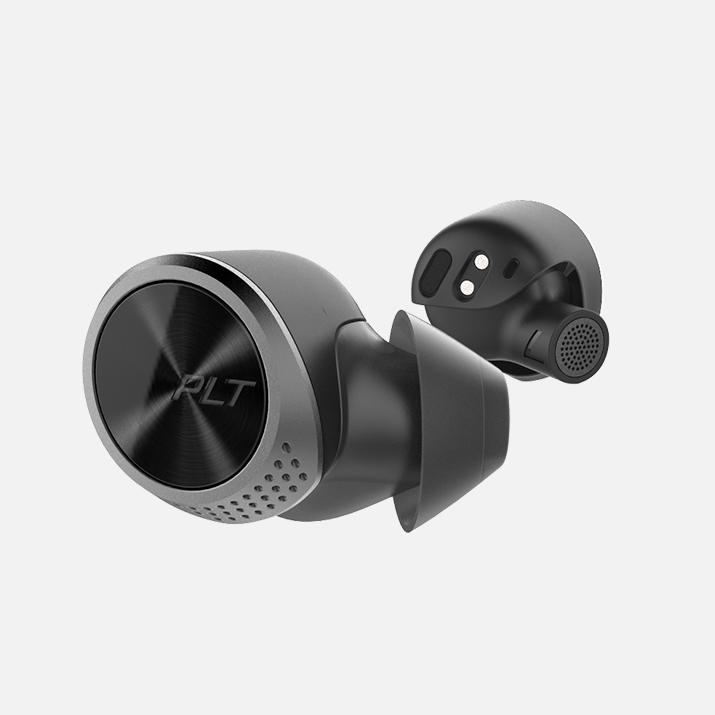
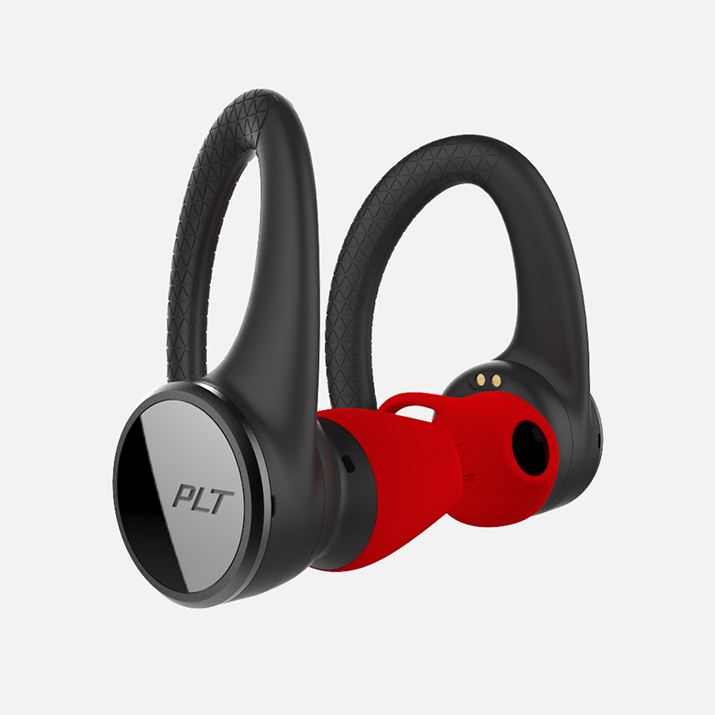
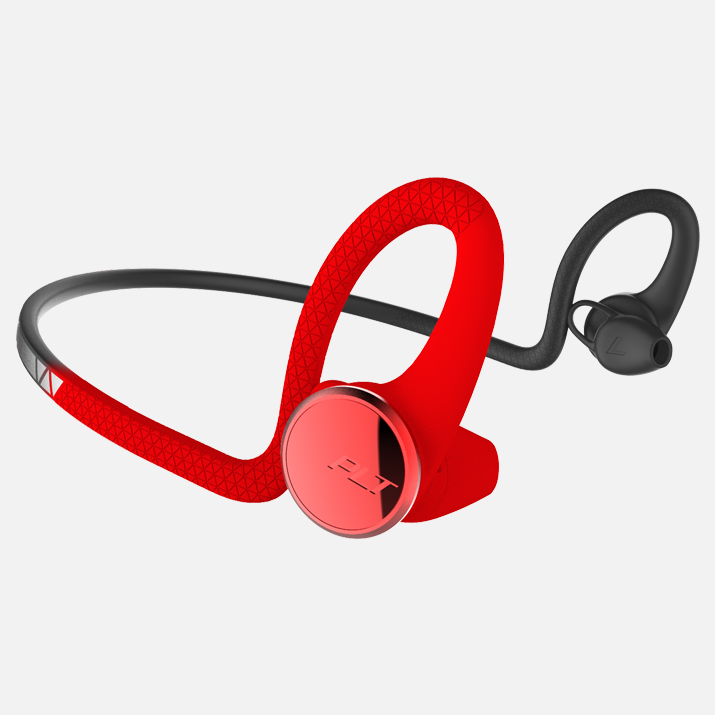
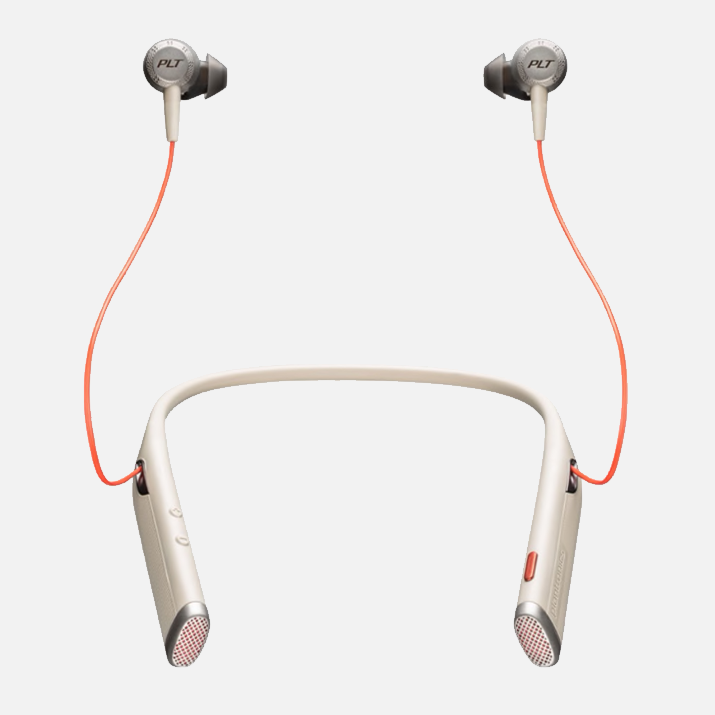
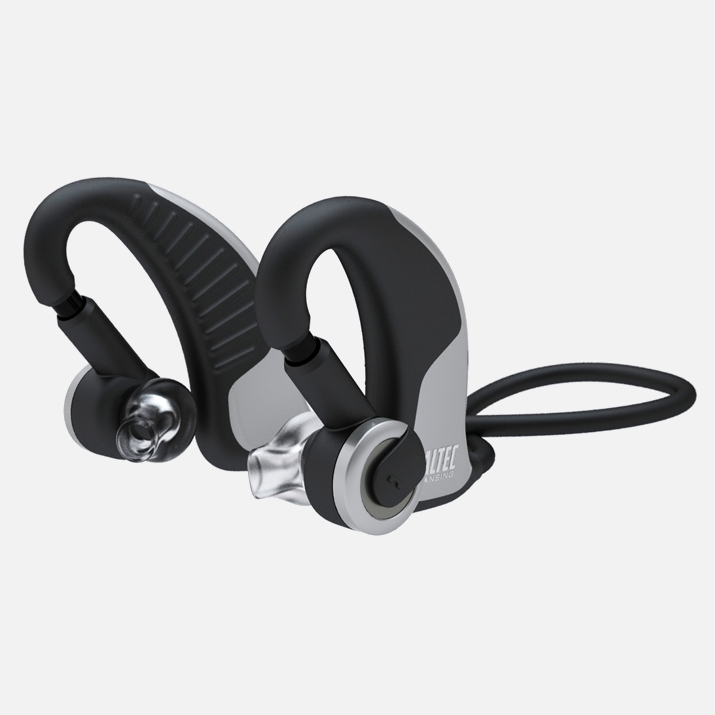
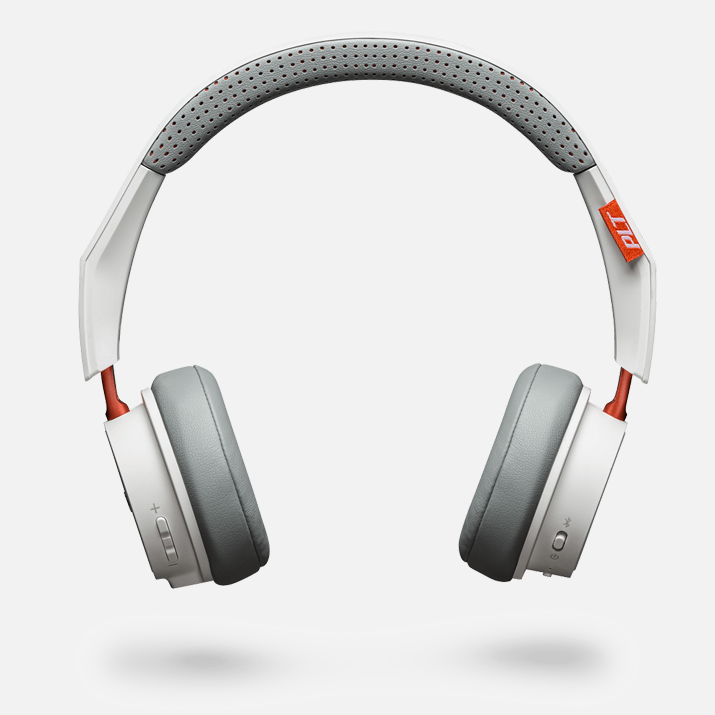
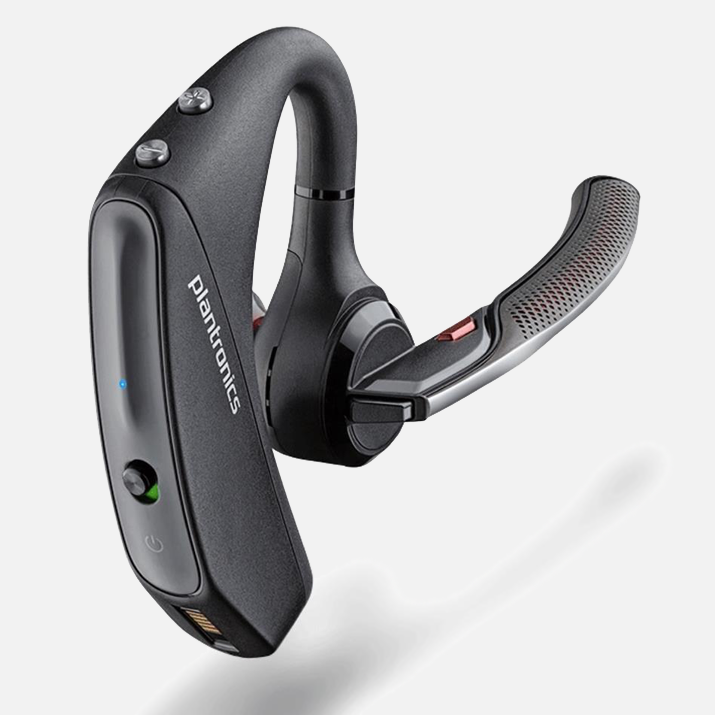
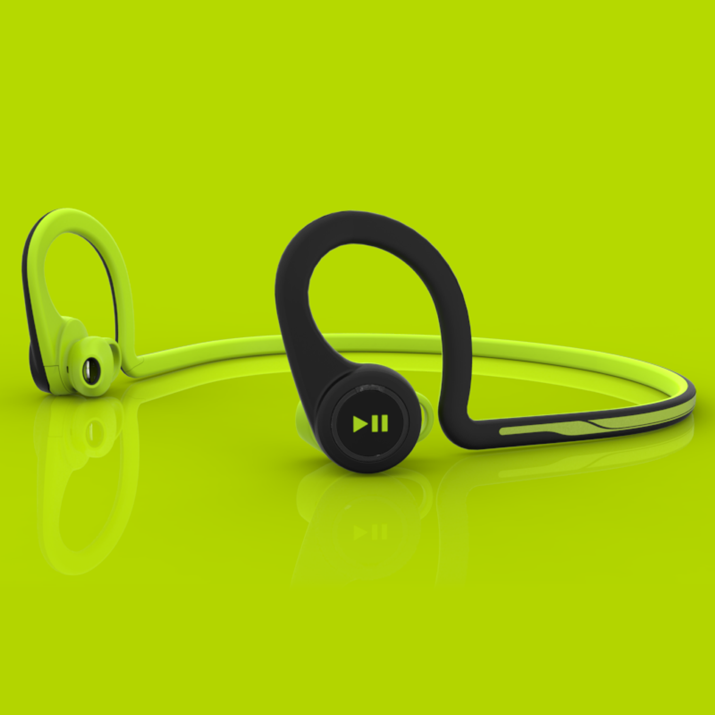
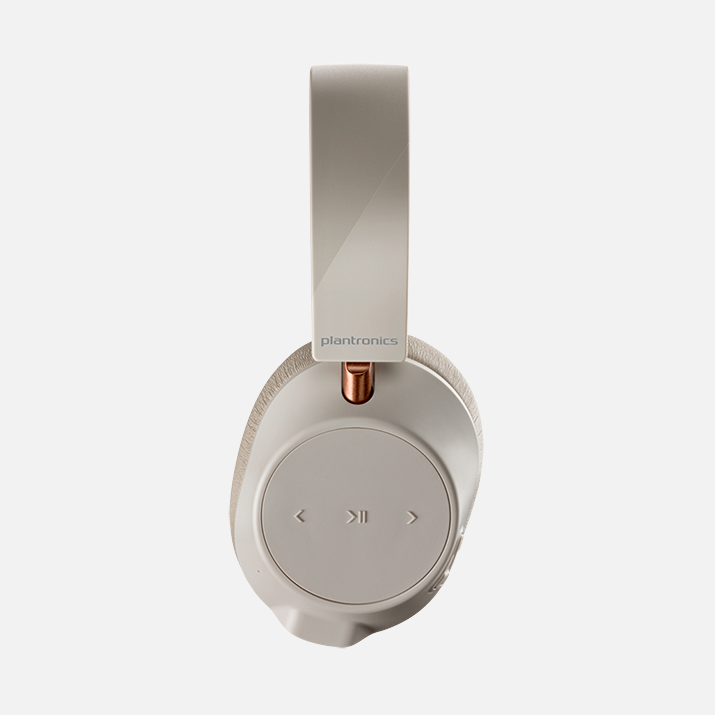
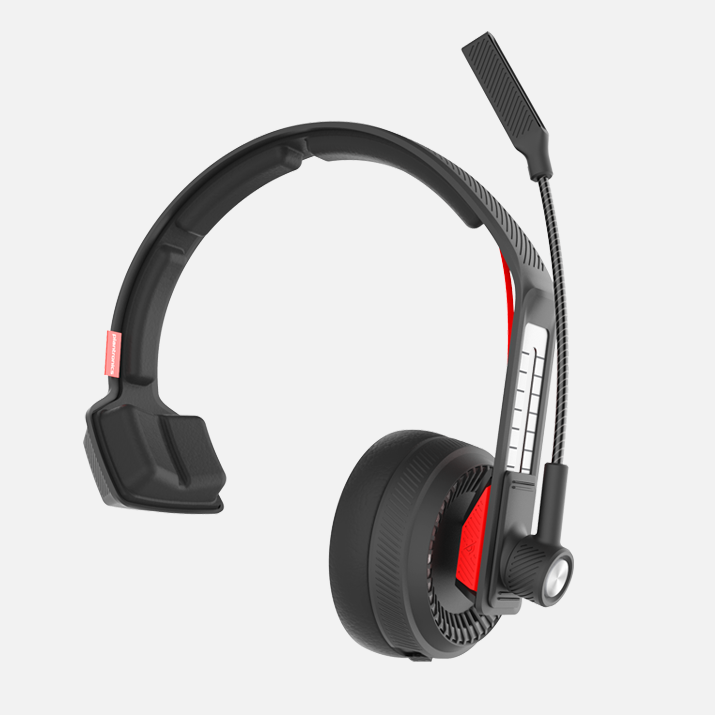
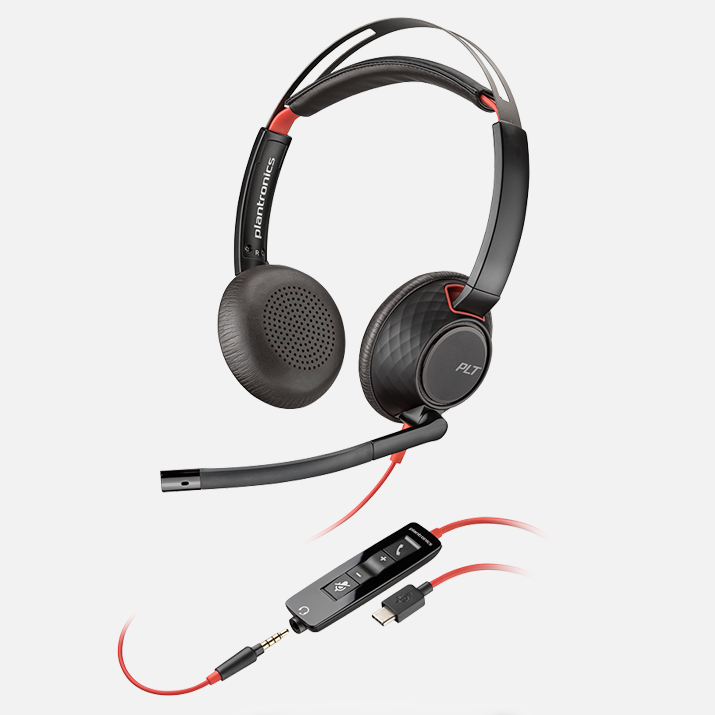
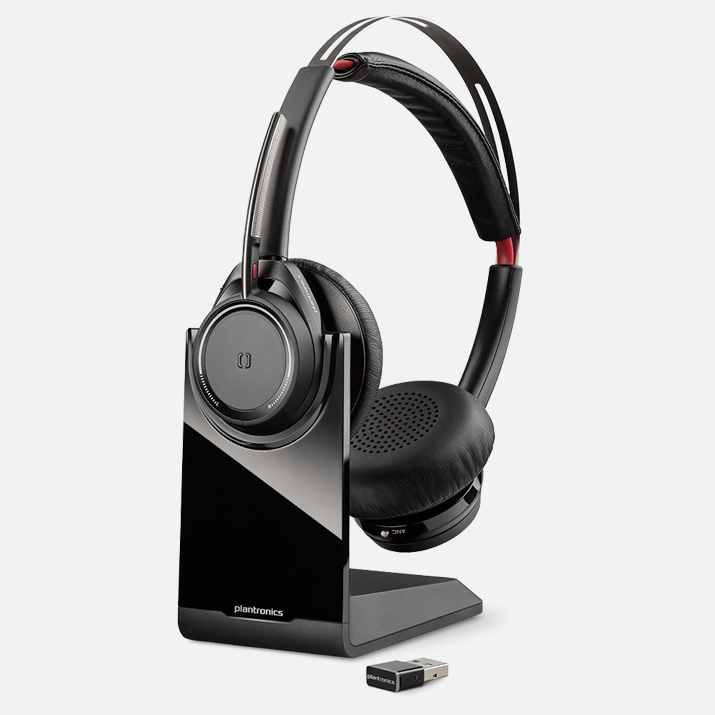
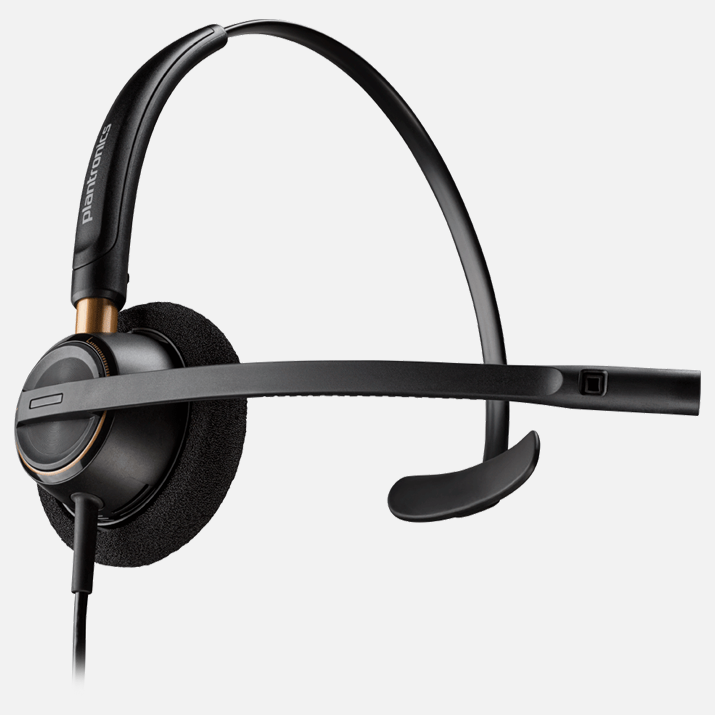
Our UX team has been responsible for the HMI/UI design, and ergonomics, of nearly all Plantronics/Poly products. In some cases we've conducted exhaustive HF testing and ergonomic development, in other cases we've focused on the physical controls and interoperability with Plantronics/Poly mobile apps. All of the products below have been affected, to some extent, by our team.

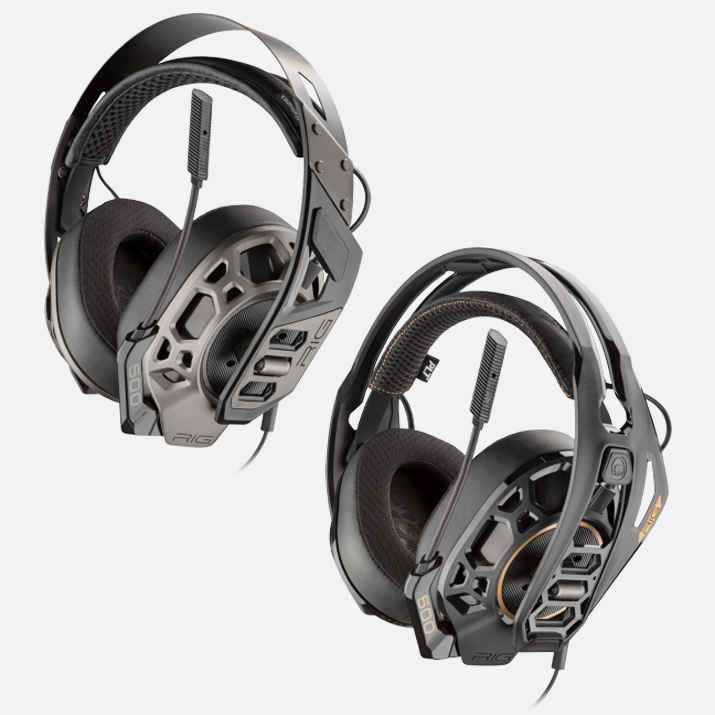
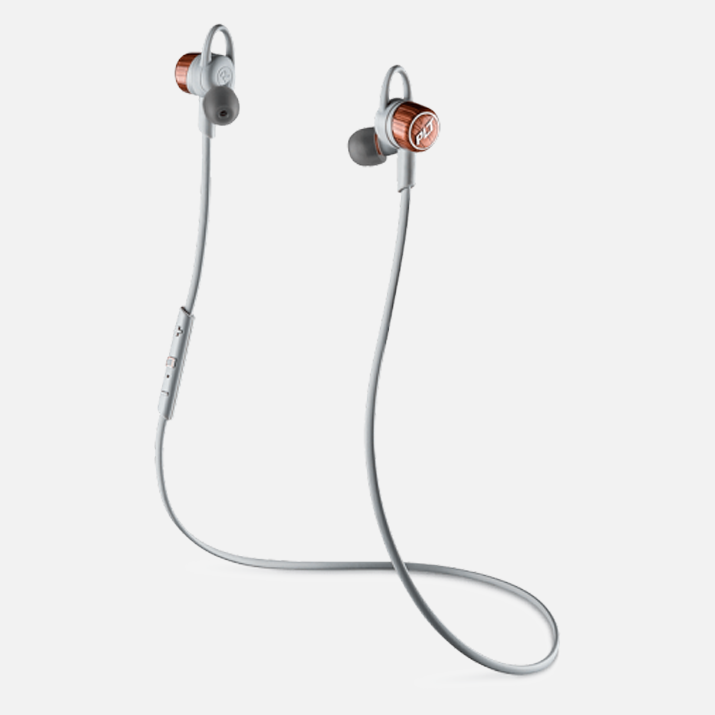
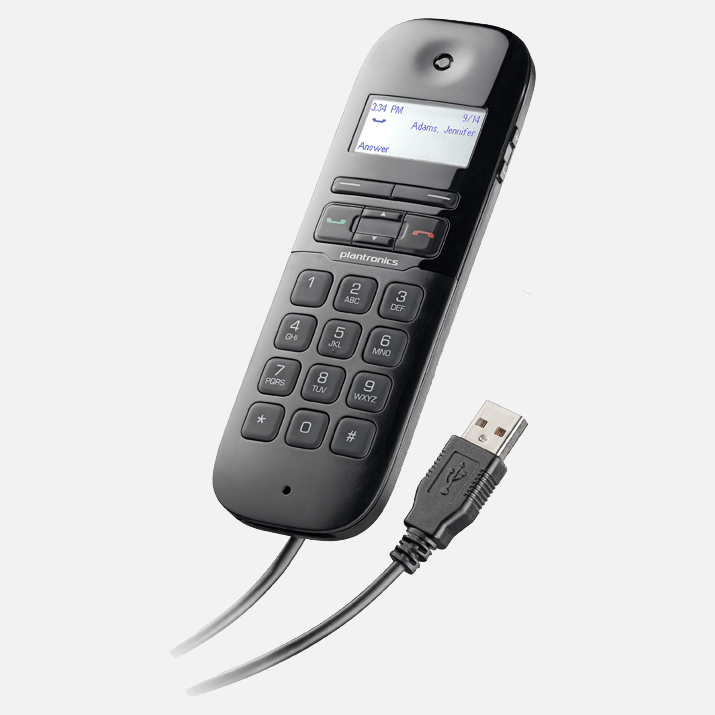
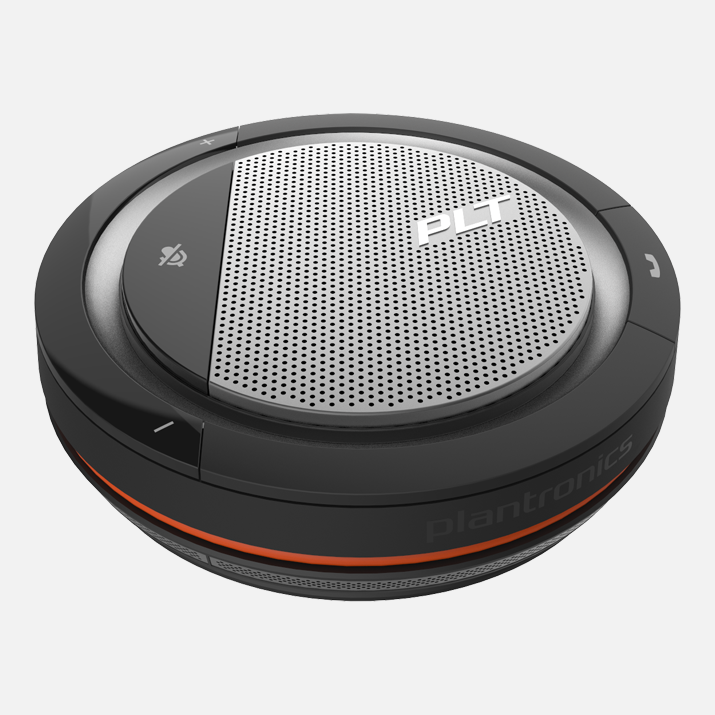
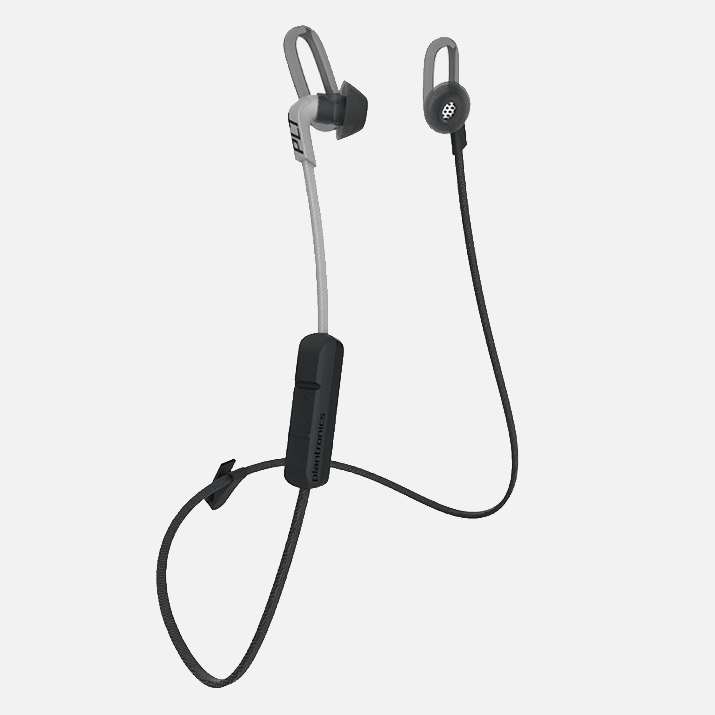
My team’s role: Various
My role: Various